
Before and after
Show a real result with a slider shoppers can drag, next to the review that goes with it.
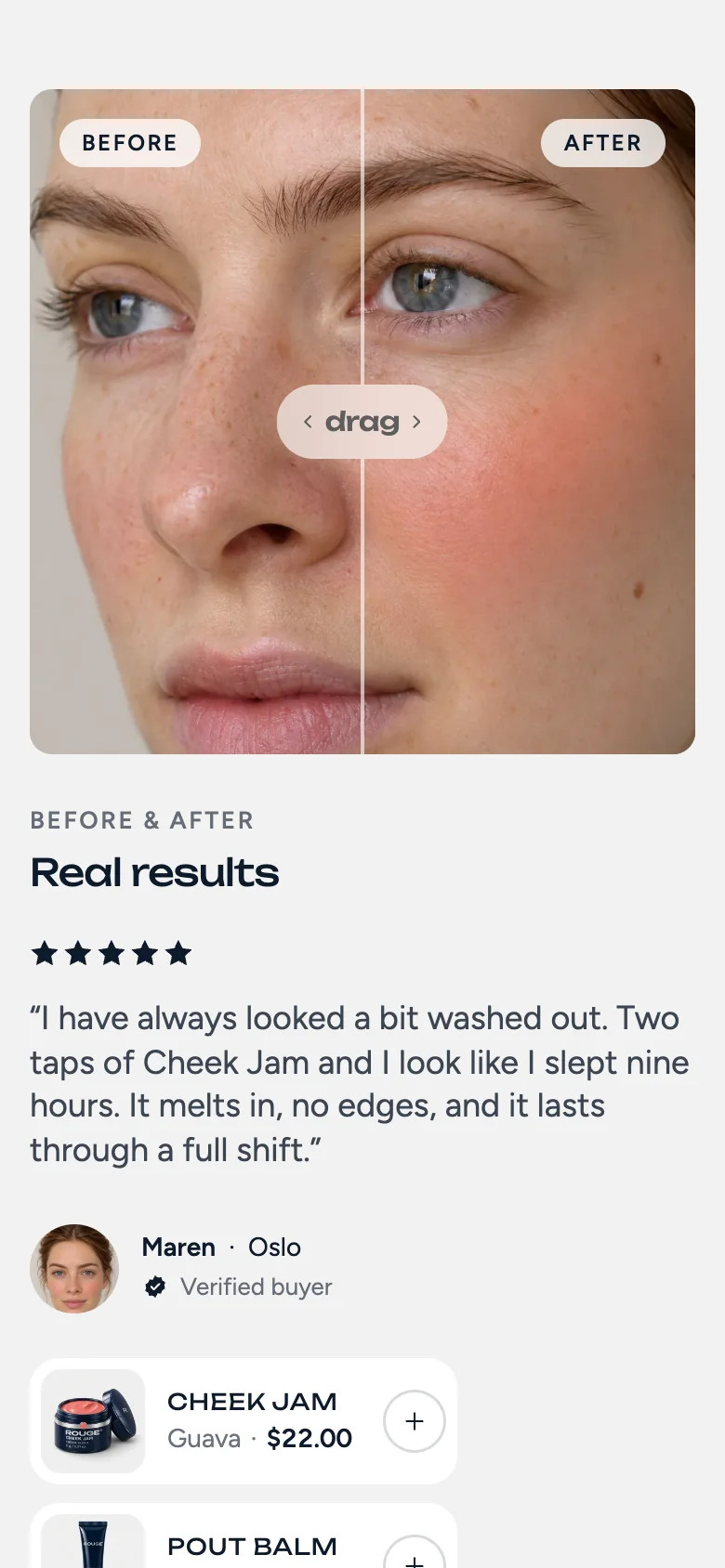
The Before and after section puts two photos on top of each other with a handle in the middle. Shoppers drag the handle to compare. Next to it sits the review from the same customer, with the products they used.
Add a result
Each result is a block with:
- Before image and After image, ideally the same size and framing.
- Quote, name and place, for example “Maren, Oslo”.
- Products used, up to three, each with a quick add button.
Add more results to let shoppers step through them with the arrows.
How it moves
When the section scrolls into view, the photo opens from the bottom and the handle sweeps once across the face, so shoppers see that it can be dragged. Lines of the review rise in one by one. Switching results slides the old quote out and the new one in.
Photos that work
Use photos taken in the same light, from the same angle. Small differences in framing make the comparison feel less real.